
ExtractColors,
Typography&Logos
fromAnyWebsite
See any website's colors, fonts, and assets instantly — no DevTools needed. The free browser extension for designers and developers.











Three Steps to Design Clarity
From install to insight in seconds — no learning curve, no setup required.
1. Install & Pin
Add Peek to Chrome from the Web Store in one click. Pin it to your toolbar for instant access on any site.
2. Analyze Any Page
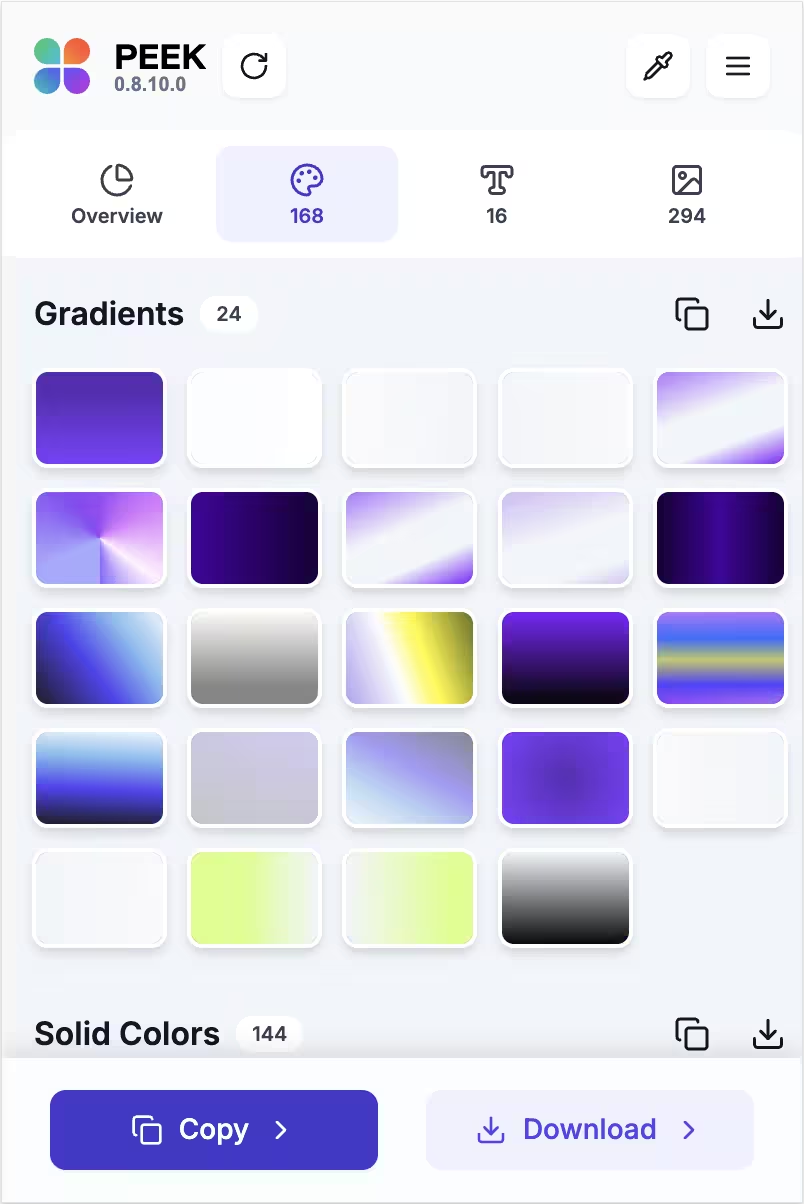
Click the Peek icon on any website. Instantly see every color, font, and asset — organized and ready to use.
3. Export Instantly
Copy hex codes, CSS variables, or download assets directly. Everything you need, zero friction.
Ready to save hours of design work? Add Peek to Chrome and start extracting colors, fonts, and assets in seconds.
Add to Chrome — Free ForeverEverything a Designer Needs, Built-In
Nine powerful tools in one lightweight extension — no subscriptions, no installs, no friction.
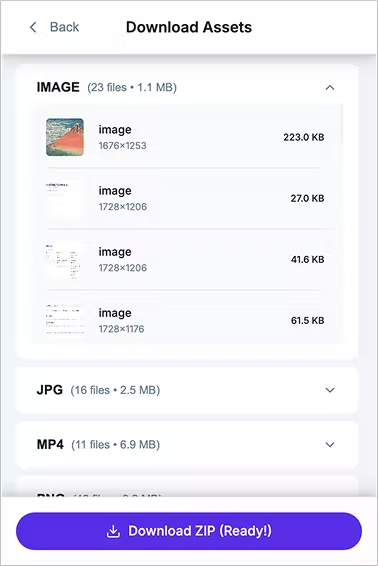
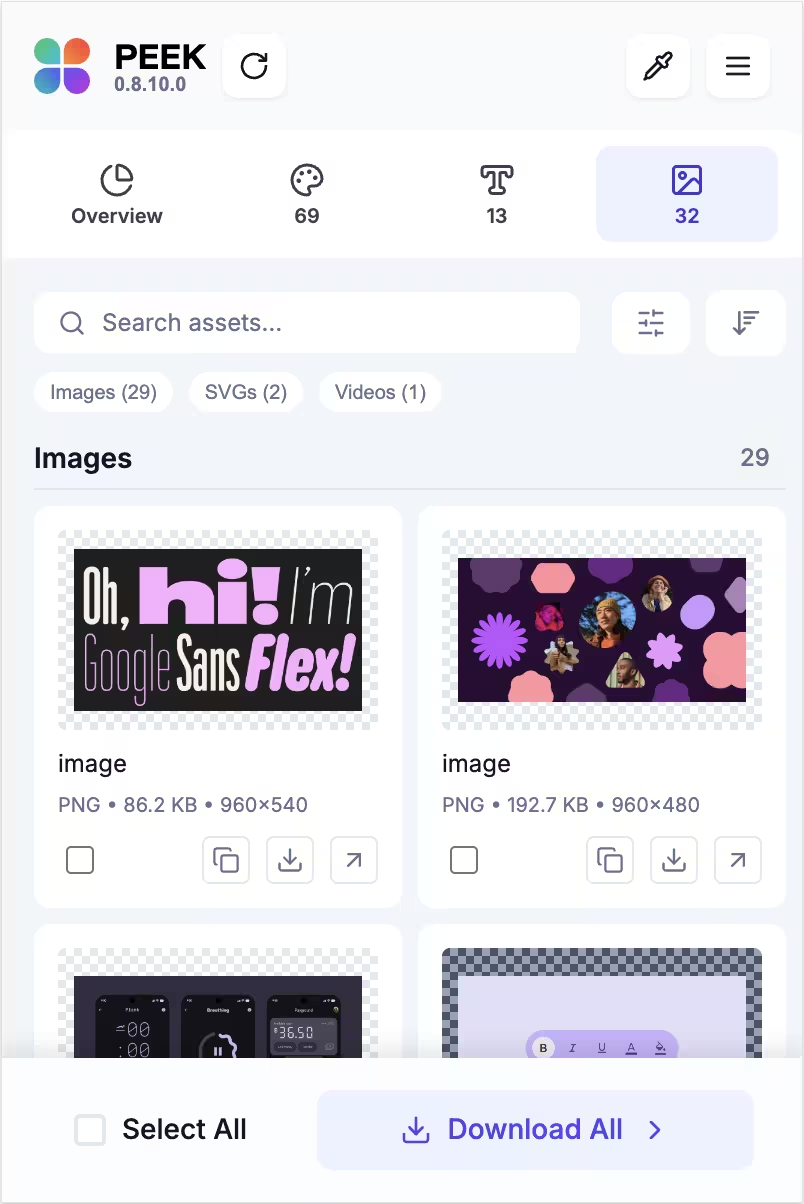
Assets Export
Export SVGs, PNGs, and icon sets directly from any website with one click.
Developer Friendly
Get production-ready CSS variables, Tailwind classes, and hex codes instantly.
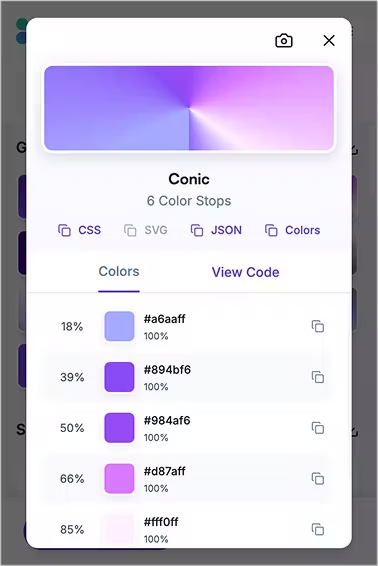
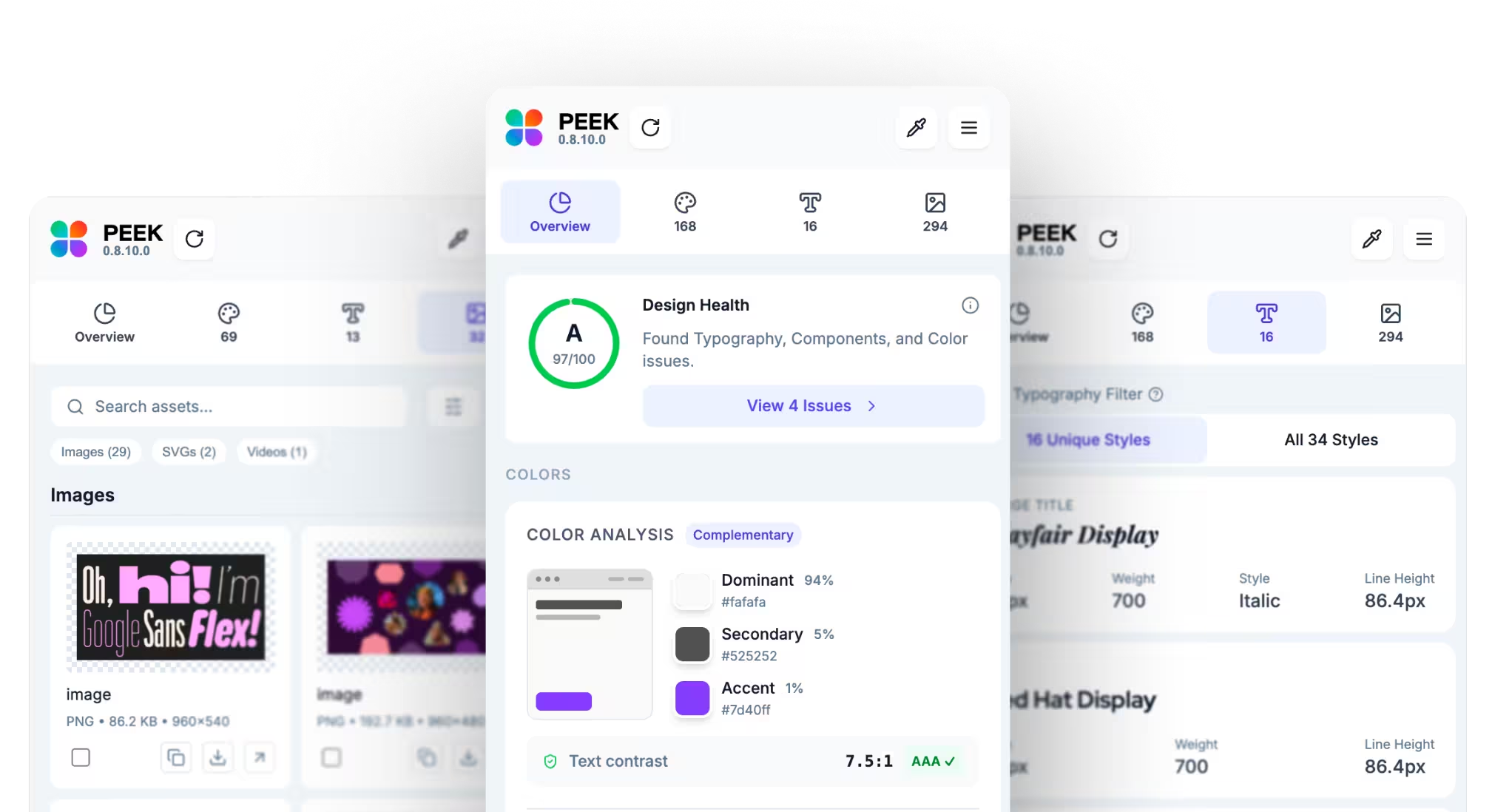
Smart Color Detection
Detect exact hex, RGB, and HSL values from any element — backgrounds, borders, text, everything.
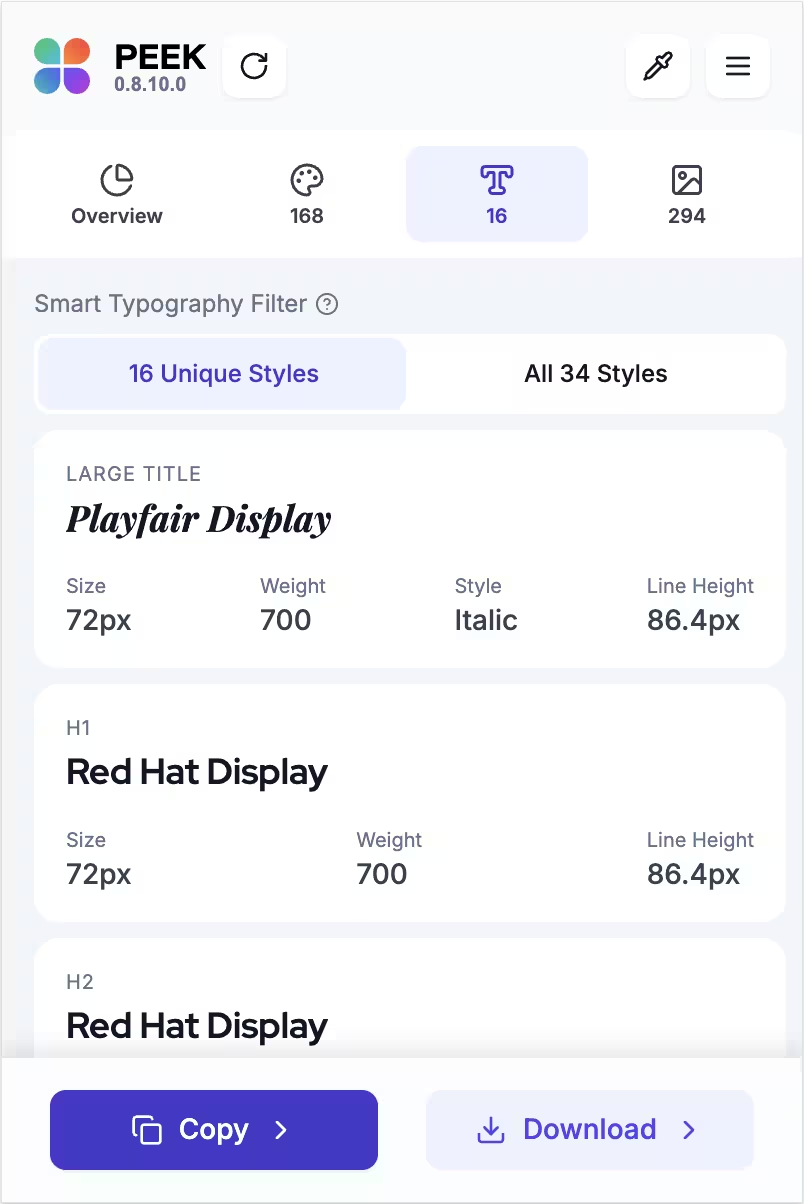
Typography Analysis
Reveal font families, weights, sizes, and line heights used anywhere on the page.
Tech Stack Detection
Identify React, Next.js, Tailwind CSS, Shopify, Framer, and more — shown with icons in the Overview tab.
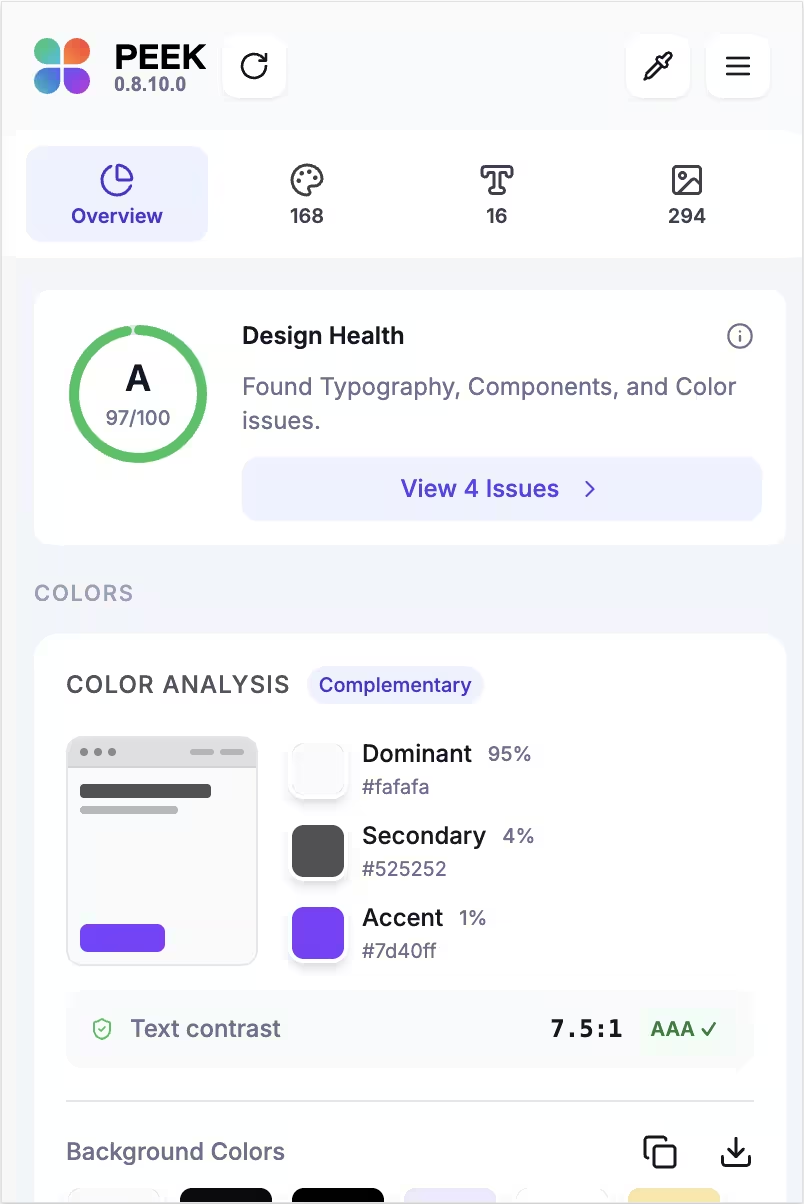
Design Audit
Grade any site across accessibility, color, typography, and layout — with a health score and exportable report.
Shadow & Radius Tokens
Extract box-shadow layers and border-radius chips from any page, ready to copy as CSS tokens.
Privacy First
All analysis happens locally in your browser. No data is sent to any server, ever.
One-Click Export
Copy to clipboard, export JSON design tokens, or download CSS — whatever your workflow needs.
Built for Every Creative Workflow
Whether you design, develop, study, or ship — Peek fits seamlessly into how you already work.
UI/UX Designers
Build a full design system from any site in minutes
Steal the design DNA of any site you admire and recreate it in your own work — instantly.
Frontend Developers
Export production-ready CSS tokens with one click
Skip the DevTools hunting. Get exact values, copy CSS, and move on — no context switching.
Design Teams
Keep brand colors consistent without a style guide
Audit any site's brand assets in seconds. Keep every team member working from the same palette.
Students
Reverse-engineer any design to learn how it's built
Deconstruct award-winning designs. Learn type systems, color theory, and spacing by example.
Join thousands of designers and developers who use Peek to streamline their workflow.
Add to Chrome — Free ForeverSee Peek in Action
A complete design toolkit living right in your browser — always one click away.
Rated 4.8 Stars on the Chrome Web Store
Trusted by 7,500+ designers and developers who use Peek in their daily workflow.
I tested eight different web page brand and color extractor extensions, and this is my top choice overall. It hit every mark I needed as a developer, designer, and marketer. I could extract colors from the full page, including embedded images, which helped me lock in a consistent branding palette across tools. The UI is simple, clear, and helps me find what I need quickly.
Matthew Sorrentino
View on Chrome Web StoreJoin these happy users and start extracting design assets today — it's free.

Save Hours of Work, Start in Seconds
Transform inspiration into action. Extract everything you need to recreate beautiful designs — colors, fonts, and assets — all in one free extension.
No credit card · No account · Works instantly
Frequently Asked Questions
Yes — core features are free forever. We may add optional Pro features in the future, but everything you see today stays free.
Peek works on all Chromium-based browsers — Google Chrome, Microsoft Edge, Brave, Opera, Vivaldi, and more. Wherever Chromium runs, Peek works.
No. Peek runs entirely in your browser. All analysis is local — no data is sent to any server, no tracking, no account required.
Visit the Chrome Web Store, click 'Add to Chrome', and pin the Peek icon to your toolbar. That's it — no setup, no login, no configuration needed.
Yes. You can copy hex, RGB, or HSL values directly to your clipboard and paste into Figma, Adobe XD, Sketch, or any tool. CSS export and JSON token export are also available.