How to Extract Assets, Logos & Images from Any Website - Peek Chrome Extension
Learn how to extract and download images, logos, and assets from any website with Peek Chrome extension. Free asset extraction tool for designers and developers.
21 Oct 2025·3 min read
Khalid Hasan Zibon
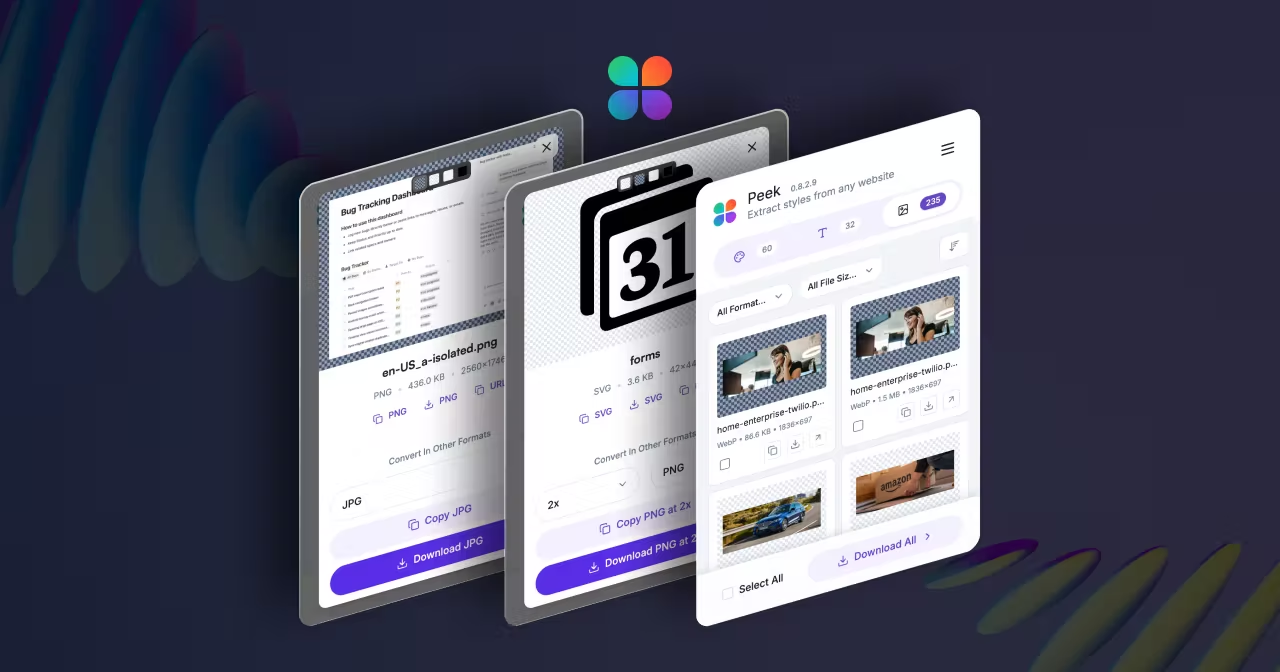
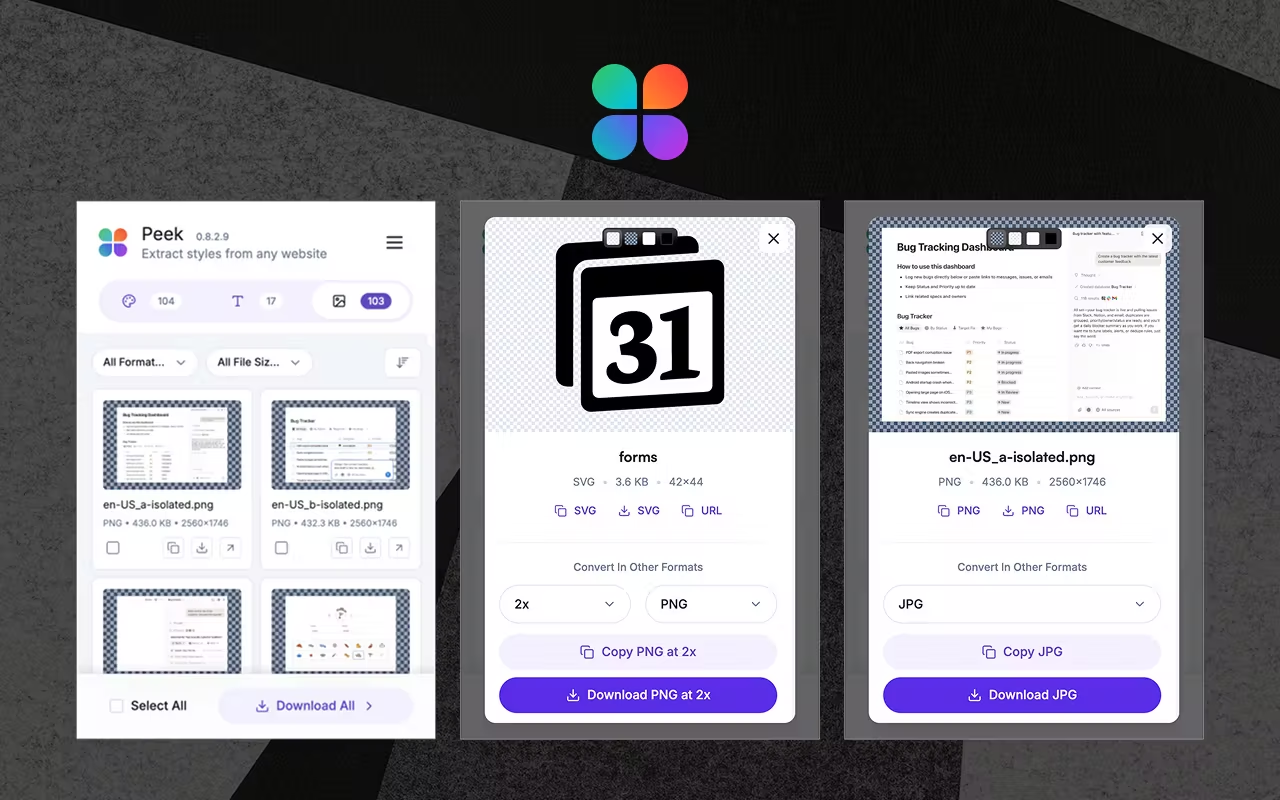
We're thrilled to announce the biggest update to our free Chrome extension yet! This update introduces our most requested feature: Assets Extraction. Now you can download images, logos, icons, and visual assets from any website with just one click using our browser extension.
This update transforms Peek from a color and typography tool into a complete design asset extraction powerhouse. Whether you're building a brand kit, conducting competitor research, or gathering design inspiration, Peek has you covered.
What's New in Peek
The Assets tab is now live and ready to revolutionize your design workflow. Here's what you can extract:
Logos & Brand Assets - Download company logos, brand marks, and identity elements
Yes! Peek is completely free to use. Our Chrome extension and Microsoft Edge add-on are available at no cost with all features included.
What File Formats Can I Download?
Peek preserves assets in their original formats including PNG, JPG, SVG, WebP, and more. You get high-quality downloads exactly as they appear on the website.
Does Peek Work on All Websites?
Yes! Our browser extension works on any website you visit. Simply navigate to any site, click the Peek extension, and start extracting assets instantly.
Is My Data Safe with Peek?
Absolutely! All processing happens locally in your browser. We don't collect, store, or track any of your extractions. Your privacy is our priority.
Can I Use Peek for Commercial Projects?
Yes! Peek is perfect for designers, developers, and businesses. Use it for brand research, competitor analysis, design inspiration, and building asset libraries.
Ready to transform your design workflow? Download Peek Chrome Extension and start extracting assets from any website today!

 Install