Install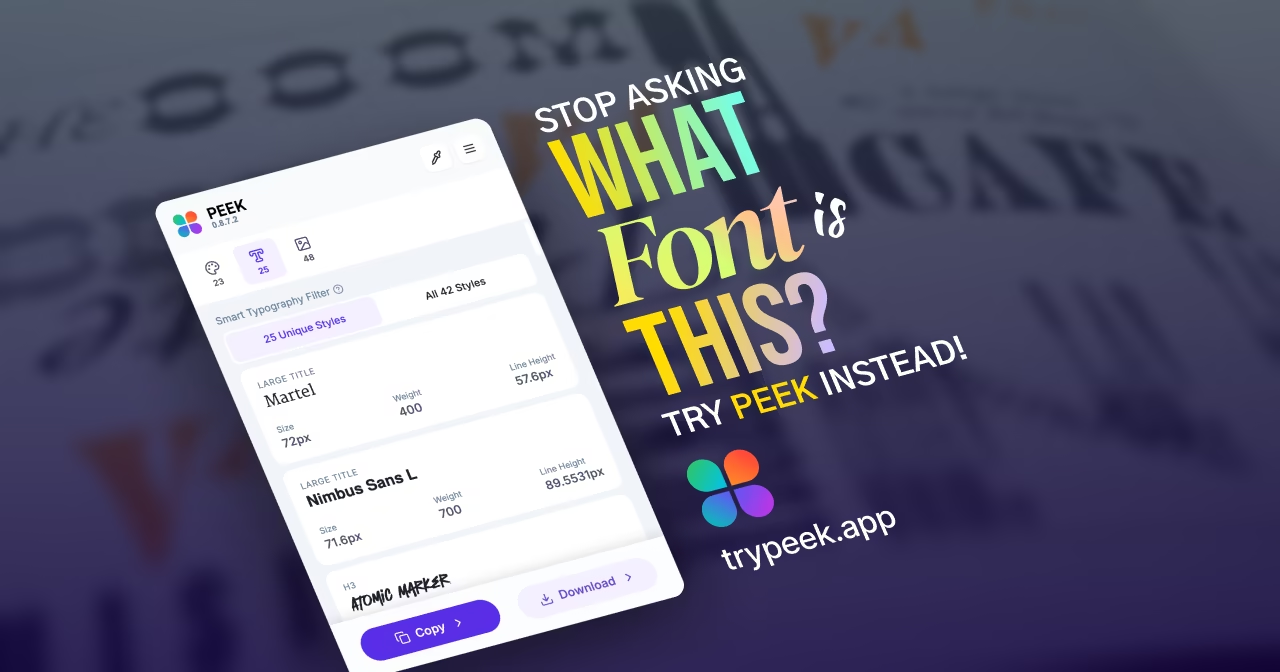
Loading...
Related Questions
Learn more about extracting design elements from websites:
Learn more about extracting design elements from websites:
Learn how to extract colors, typography, and assets from any website using Peek Chrome Extension. Free tool for designers and developers to extract design tokens, color palettes, fonts, and images instantly.
Whether you're a designer studying a competitor's website, a developer building a design system, or a creative looking for inspiration, extracting colors, typography, and assets from websites is a common task. Peek also detects what technology any site is built with — frameworks, CMS platforms, and CSS libraries — right in the Overview tab. But doing extraction manually is time-consuming and error-prone. That's where Peek Chrome Extension comes in — the best free tool for extracting design tokens, color palettes, fonts, and images from any website with just one click. Unlike manual CSS inspection or screenshot tools, Peek automatically extracts everything you need in organized, export-ready formats.
Before diving into the how-to, let's understand why extracting colors, typography, and assets matters:
Traditionally, this process involved manually inspecting CSS, taking screenshots, or using multiple tools. Peek simplifies all of this into one seamless workflow. Unlike browser DevTools which require technical knowledge, or screenshot tools that only capture visuals, Peek extracts actual design tokens — the colors, fonts, and assets you can immediately use in your projects.
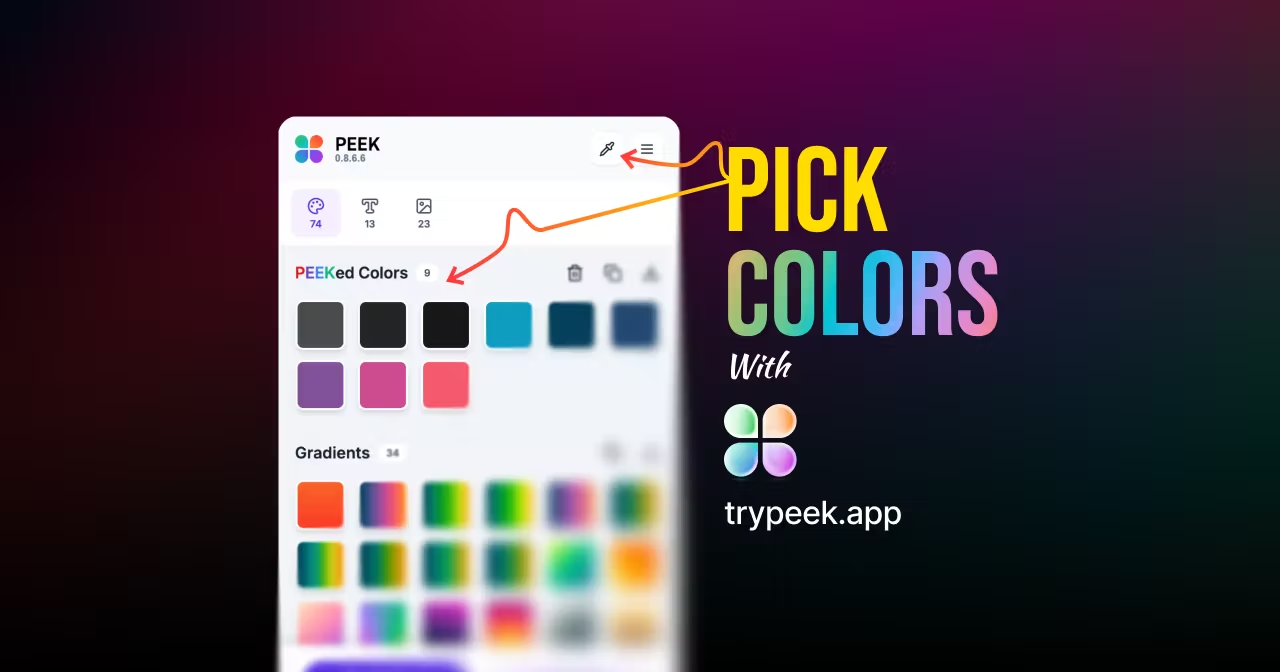
Extracting colors from websites is one of the most common tasks for designers. With Peek, you can extract colors in multiple formats:
First, install Peek Chrome Extension from the Chrome Web Store or Peek from Microsoft Edge Add-ons. It's free and works on any website you visit.
Visit the website you want to extract colors from. Peek works on any live website — no special setup required.
Click the Peek extension icon in your browser toolbar. Peek automatically starts extracting all design elements from the page and opens directly to the Colors tab. You'll immediately see all colors extracted from the current page, organized and ready to use.
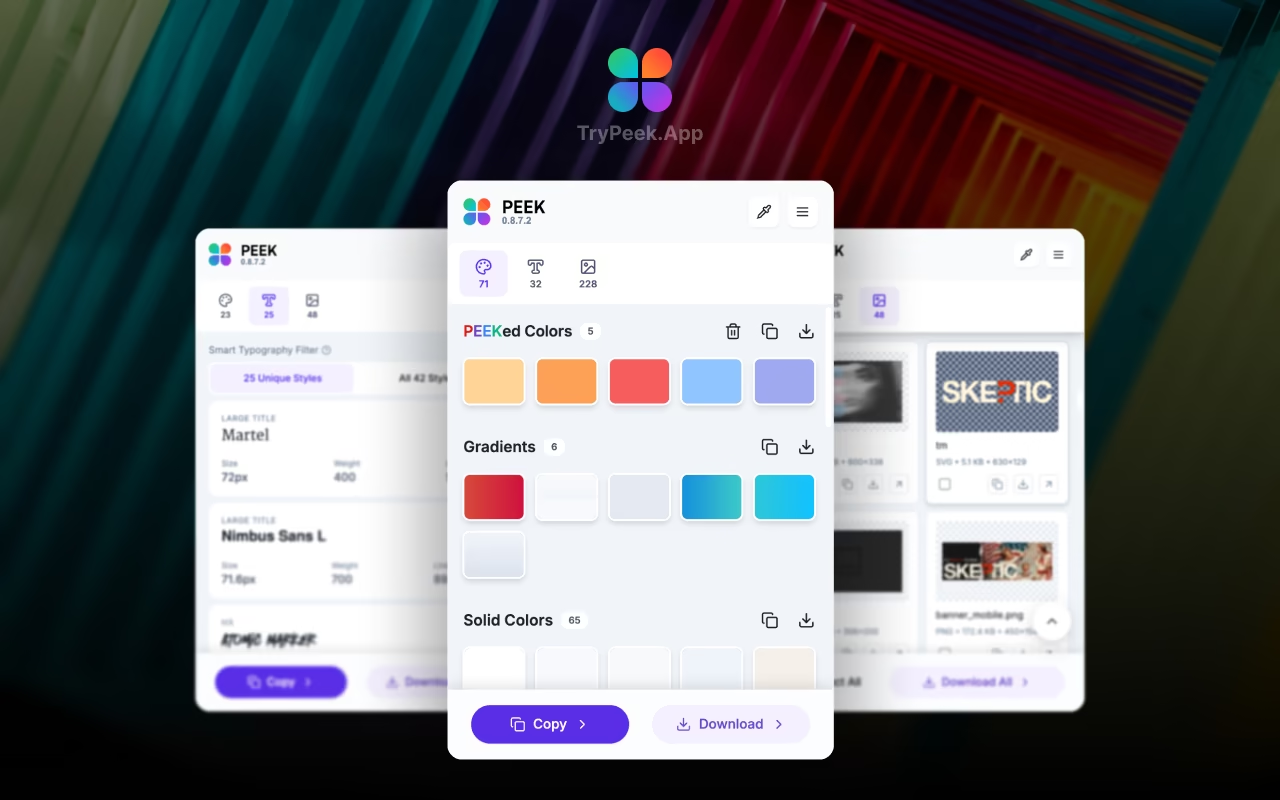
Once Peek extracts the colors, you have multiple export options:
This makes extracting colors from websites faster than ever — no more manual color picking or CSS inspection.
Extracting typography from websites helps you understand font choices, sizing, weights, and text styling. Peek's typography extraction is particularly powerful because it:
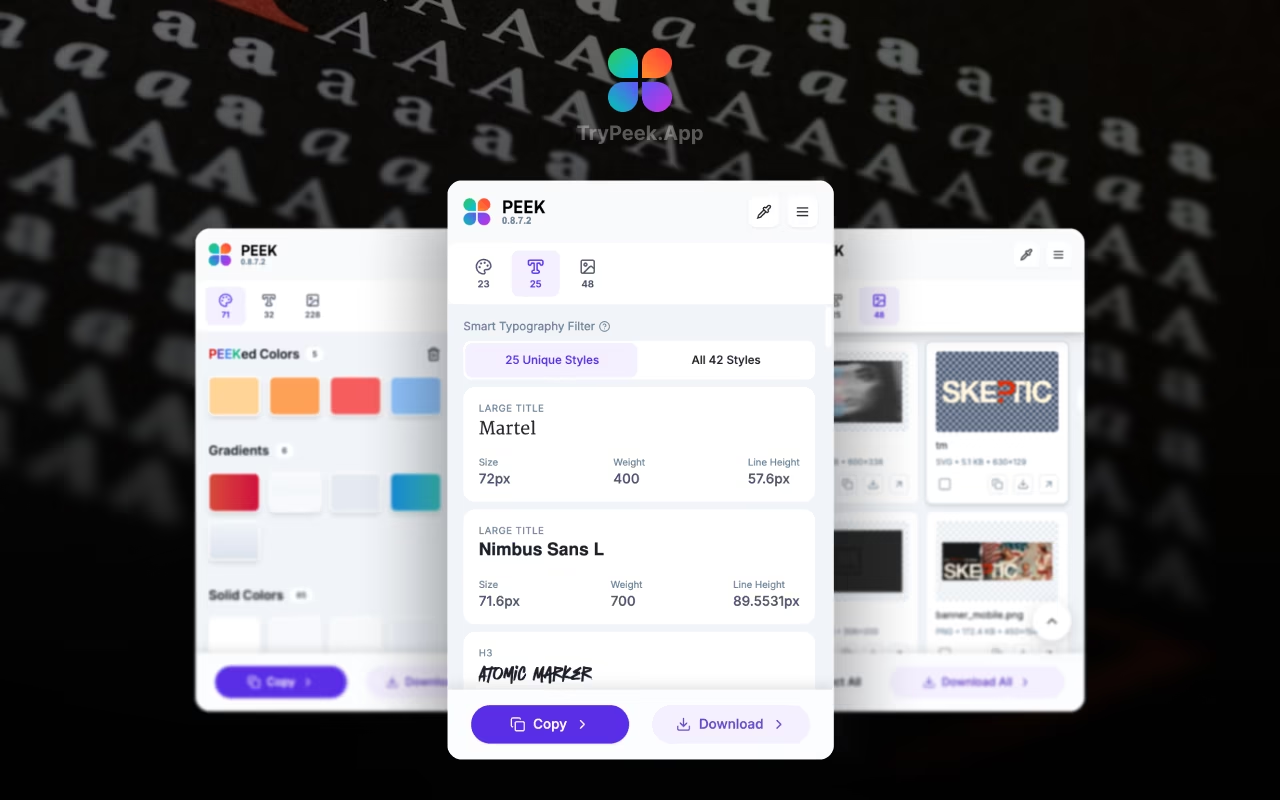
This feature is especially valuable for multilingual websites where you need to see how fonts render in different scripts. Peek's typography extraction goes beyond simple font-family detection — it gives you the complete typography system.
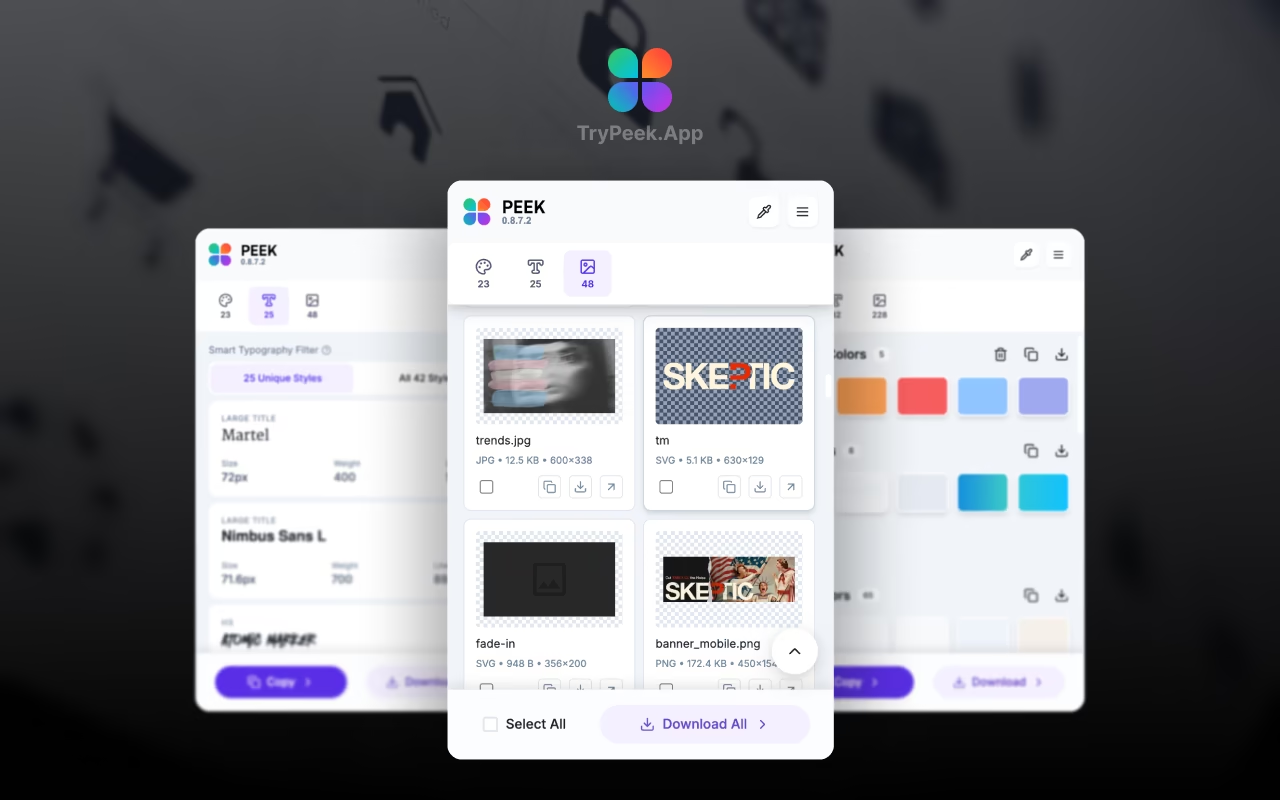
Extracting assets from websites — logos, images, icons, and graphics — is essential for design research and asset collection. Peek makes this process seamless:
Peek's asset extraction is perfect for:
While there are other tools for extracting design elements (like browser DevTools, CSS Peeper, or manual inspection), Peek Chrome Extension stands out because it:
When building a design system, you can extract colors, typography, and assets from reference websites to create your own token library. Peek exports everything in formats that integrate directly with your design tools.
Study how competitors use color palettes, typography scales, and visual assets. Extract design tokens from multiple websites and compare them side-by-side to understand industry patterns.
When redesigning a client's website, extract existing colors and typography to maintain brand consistency while improving the design. Peek helps you understand the current design system before making changes.
Build a library of design inspiration by extracting assets, colors, and typography from websites you admire. Save everything locally and reference it later for your projects.
Ready to start extracting colors, typography, and assets from websites? Here's how to get started:
It's that simple. Peek Chrome Extension transforms any website into a design system you can learn from, extract from, and reuse.
Yes! Peek Chrome Extension works on any website you visit. Simply navigate to the website, click the Peek icon, and it automatically extracts all colors, typography, and assets from the page. No special setup or permissions required beyond installing the extension.
Yes, Peek is completely free. There's no subscription, no premium tier, and no hidden costs. Once installed, you can extract colors, typography, and assets from unlimited websites. All processing happens locally in your browser, ensuring privacy and speed.
Peek gives you complete control over both color format and output format. For color formats, you can choose from:
For output formats, you can export as CSS variables, SCSS maps, Tailwind config, or JSON. You can also export colors by group — only gradients, only solid colors, or only picked colors from the color picker tool. This flexibility means you can get colors in exactly the format your project needs.
Yes! Peek is available for both Chrome and Microsoft Edge. You can install it from the Chrome Web Store or the Microsoft Edge Add-ons store. Both versions have the same features and functionality.
Absolutely! Peek's Assets tab automatically scans and extracts all images, logos, icons, and graphics from any website. You can download individual assets or export everything as a ZIP file. This is perfect for collecting brand assets, design inspiration, or building asset libraries.
Peek's typography extraction is highly accurate. It extracts font families, sizes, weights, line heights, and letter spacing from the actual CSS. Plus, it shows language-aware font previews, displaying fonts in their actual script (Bengali, Arabic, Greek, Hebrew, Cyrillic, etc.), which is especially valuable for multilingual websites.
Extracting colors, typography, and assets from websites doesn't have to be a manual, time-consuming process. With Peek Chrome Extension, you can extract design tokens from any website in seconds — organized, export-ready, and ready to use in your projects.
Whether you're building a design system, conducting competitive research, or gathering inspiration, Peek makes the process fast, accurate, and enjoyable. Unlike other tools that require multiple steps or paid subscriptions, Peek gives you everything in one free, easy-to-use Chrome extension.
Ready to streamline your design workflow? Install Peek Chrome Extension or get it for Microsoft Edge and start extracting design tokens from any website today.