The Vibe Coder’s Stack: 5 Essential Tools for Building Apps at the Speed of Thought
Building apps with AI? Discover the essential Vibe Coding stack for 2026. Learn how Cursor AI, Claude 4.5 Sonnet, Gemini 3.0 Pro, v0.dev, Bolt.new, and Peek Chrome extension combine to turn natural language into production-ready software. Complete guide to AI development workflow and best tools for AI developers.
20 Dec 2025·6 min read
Khalid Hasan Zibon
The era of "writing" code is evolving into the era of "orchestrating" intent.
As Andrej Karpathy famously noted, we've entered the age of Vibe Coding. In this new paradigm, your value isn't measured by how many lines of boilerplate you can type, but by how clearly you can direct an AI to build your vision.
But here is the secret: The "vibe" is only as good as the context you provide. If you give an AI agent a vague prompt, you get a generic app. If you give it precise design data, you get a masterpiece. To vibe-code effectively, you need a stack that provides both the "brain" to think and the "eyes" to see.
Whether you're comparing Cursor AI vs Windsurf, exploring the best AI development workflow, or searching for the best tools for AI developers in 2026, this guide covers everything you need to build production-ready applications at the speed of thought.
Here are the 5 essential tools for the modern Vibe Coder's stack, plus a bonus deployment solution that makes shipping effortless.
1. The Engine: Cursor IDE (or Antigravity) - Best AI IDE for Vibe Coding
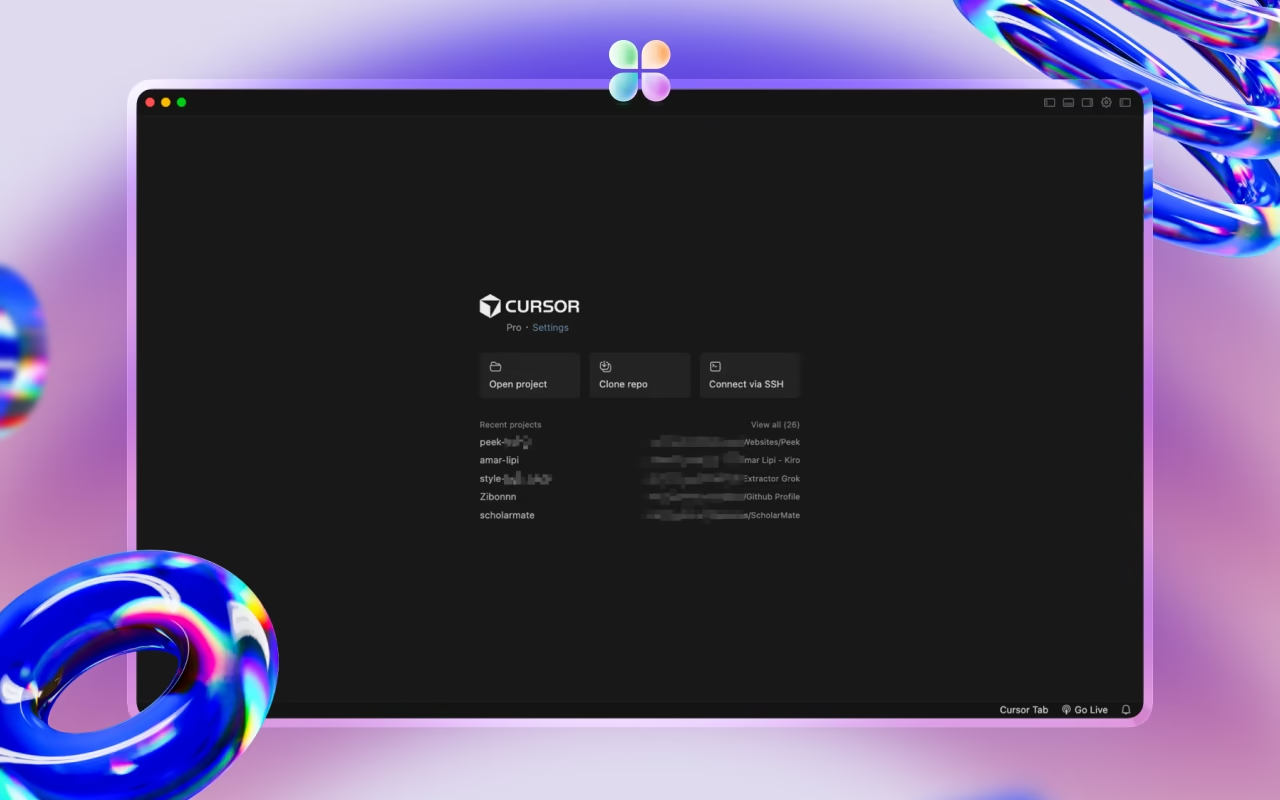
You can't vibe-code in a standard text editor. You need an IDE that treats AI as a first-class citizen. Cursor AI has become the gold standard here because of its "Composer" mode, which can manage multiple files simultaneously. When comparing Cursor AI vs Windsurf, both are excellent choices, but Cursor's Composer feature gives it an edge for complex, multi-file refactoring tasks.
Why it’s in the stack: It allows you to "vibe" across your entire codebase at once, rather than just one function at a time.
Vibe Tip: Use @Codebase to give the AI awareness of your existing patterns so it doesn't hallucinate inconsistent logic.
Cursor's Composer mode is the engine of the vibe coding workflow.
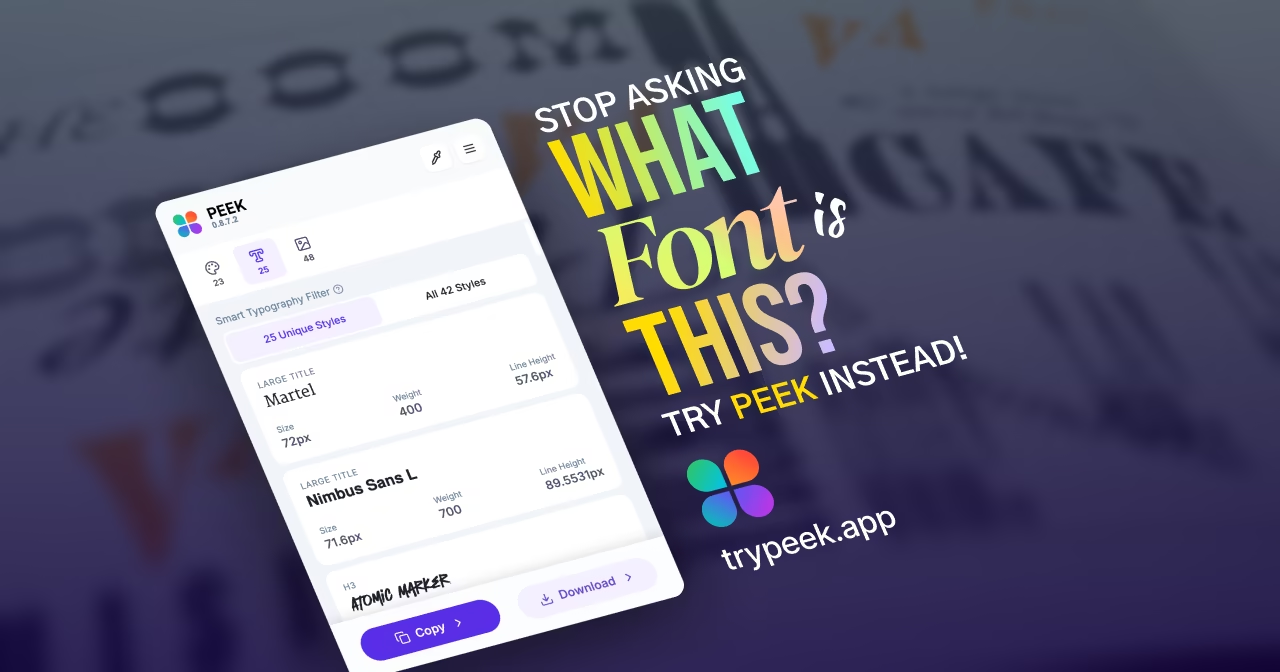
2. The Vision: Peek Chrome Extension - Extract Design Tokens for AI Agents
This is the most overlooked tool in the vibe coding tools stack. AI agents are brilliant at logic, but they are "blind" to aesthetics. If you tell an AI to "make it look modern," it guesses.
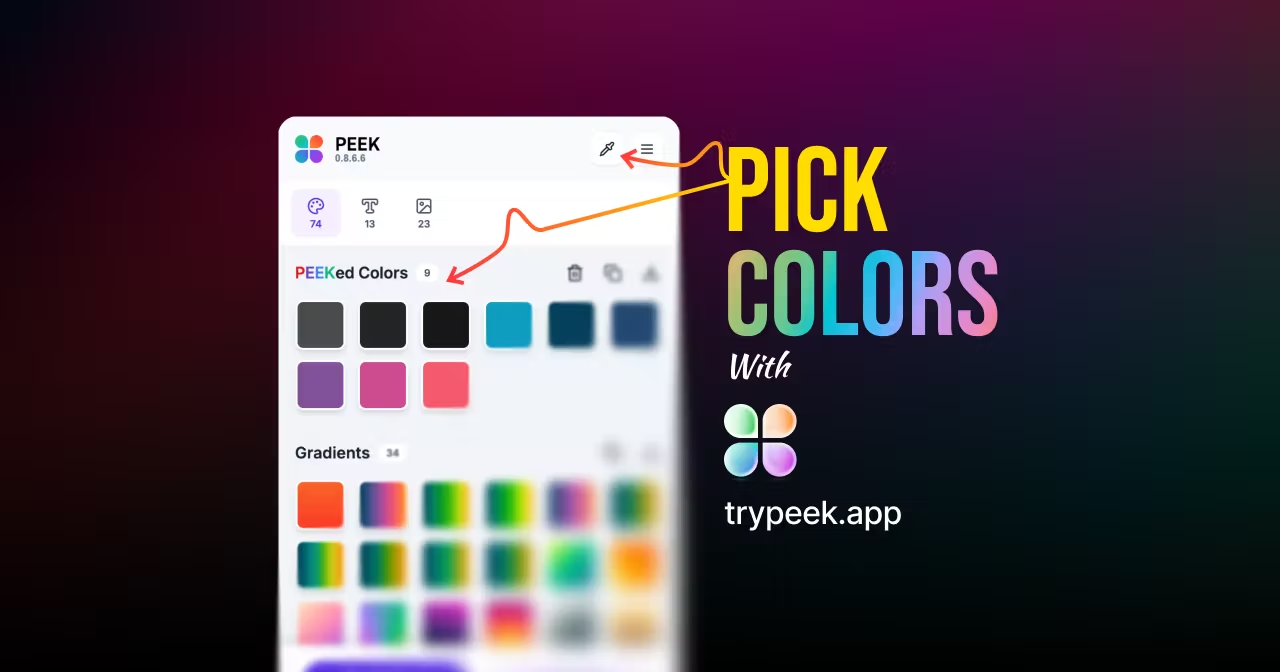
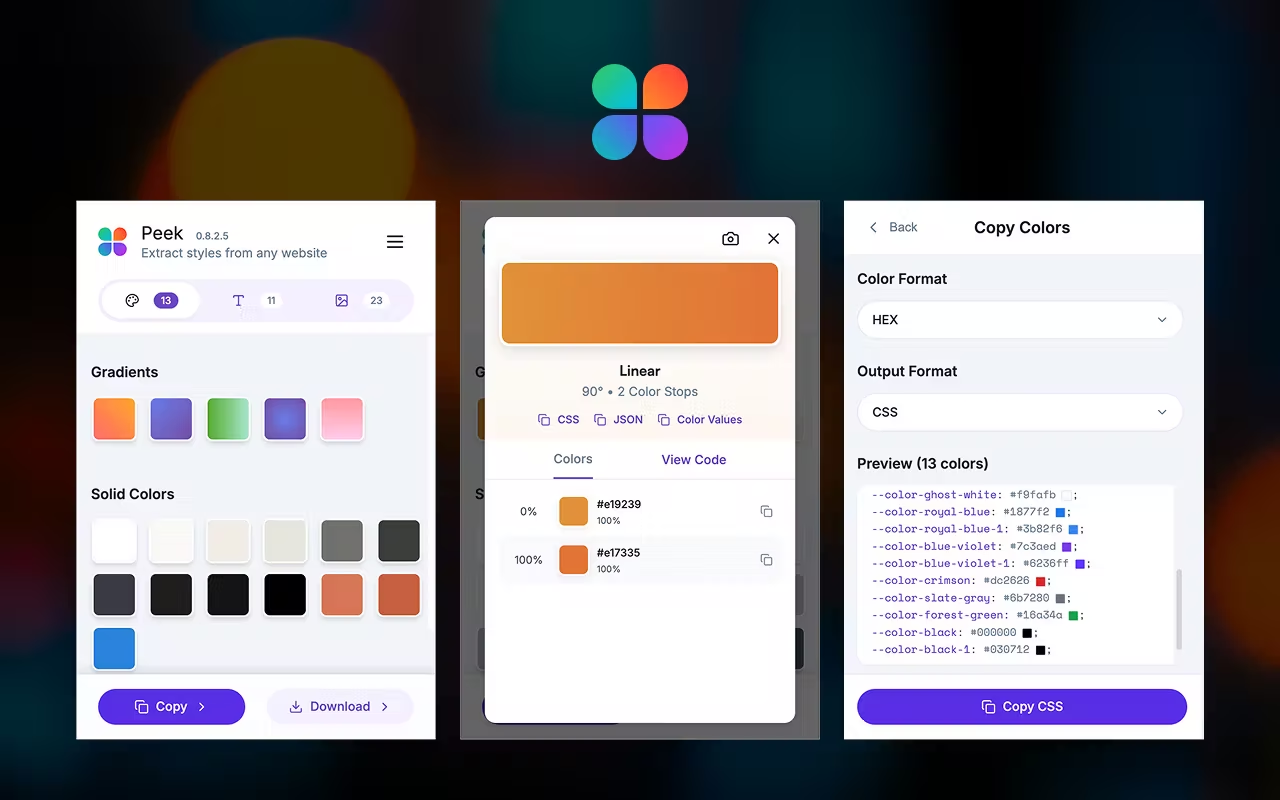
Why it’s in the stack: Instead of prompting "make the button blue," you can copy a design token from Peek and prompt: "Use oklch(60% 0.15 250) for the primary action button and Inter Tight 600 for the headings."
The Result: You eliminate "Design Drift" and get production-ready UI on the first prompt.
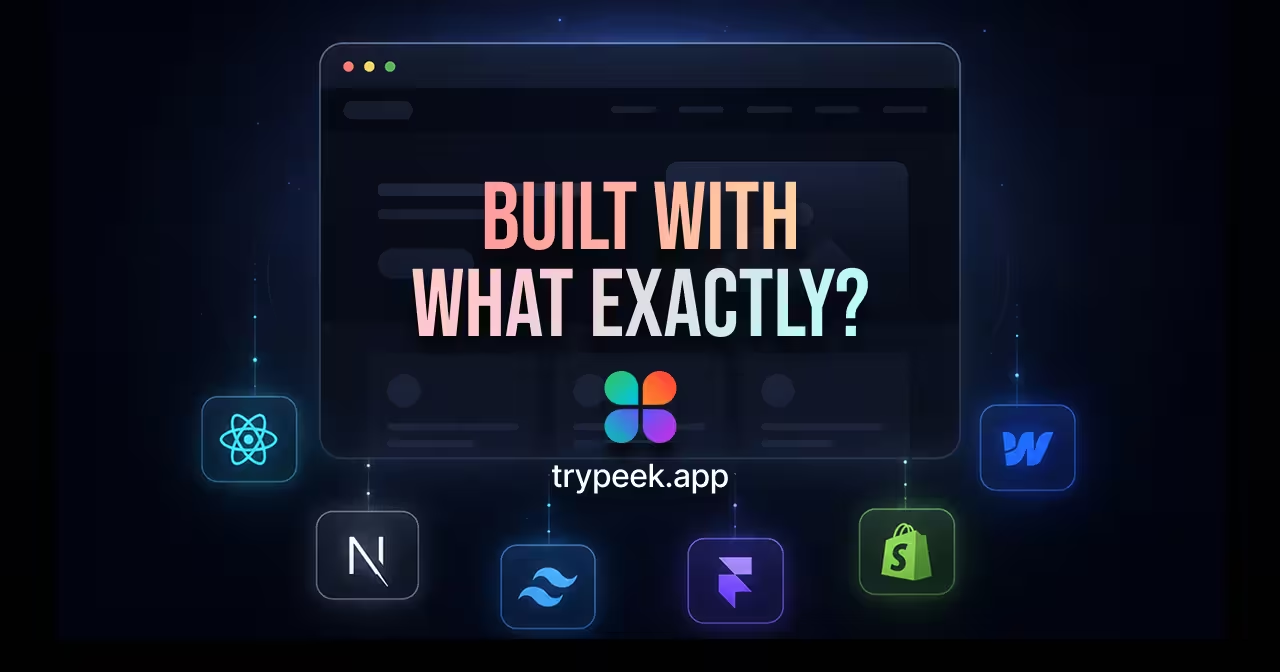
Peek extracts the visual DNA of any website for your AI agents.
3. The Brain: Claude 4.5 Sonnet or Gemini 3.0 Pro - Best AI Models for Code Generation
While almost all state-of-the-art (SOTA) models have become more capable, Claude 4.5 Sonnet or Gemini 3.0 Pro (especially within the Anthropic "Artifacts" UI) has become the favorite for Vibe Coders due to its superior reasoning and "taste" in frontend code. These models excel at understanding context, maintaining code consistency, and generating production-ready React and Tailwind CSS components.
Why it’s in the stack: It writes cleaner, more modular React and Tailwind code than almost any other model.
Vibe Tip: Use Artifacts to rapidly prototype a component's "vibe" before moving the code into your IDE.
Claude and Gemini provide superior reasoning and code quality for Vibe Coders.
4. The Scaffold: v0.dev by Vercel - Generative UI for Rapid Prototyping
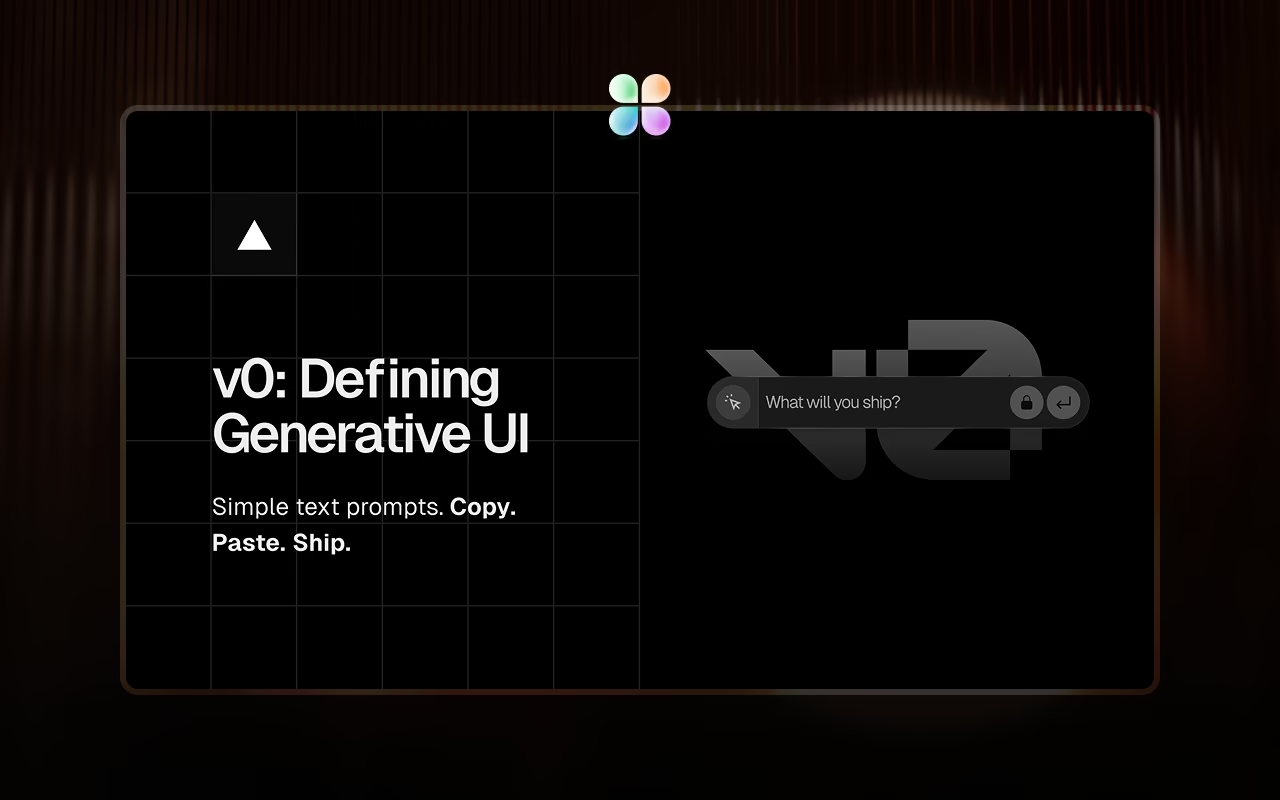
Sometimes you don't want to start with a blank page. v0.dev is a generative UI system by Vercel that uses Shadcn UI and Tailwind CSS to build entire layouts from a prompt. It's perfect for quickly scaffolding complex interfaces, dashboards, and landing pages that would take hours to build manually.
Why it’s in the stack: It handles the boring parts of layout (grids, spacing, responsiveness) so you can focus on the unique logic of your app.
Pro Tip: Feed the design tokens you extracted with Peek into v0 to generate a scaffold that already matches your brand colors and fonts.
v0.dev generates entire layouts from prompts using Shadcn UI and Tailwind CSS.
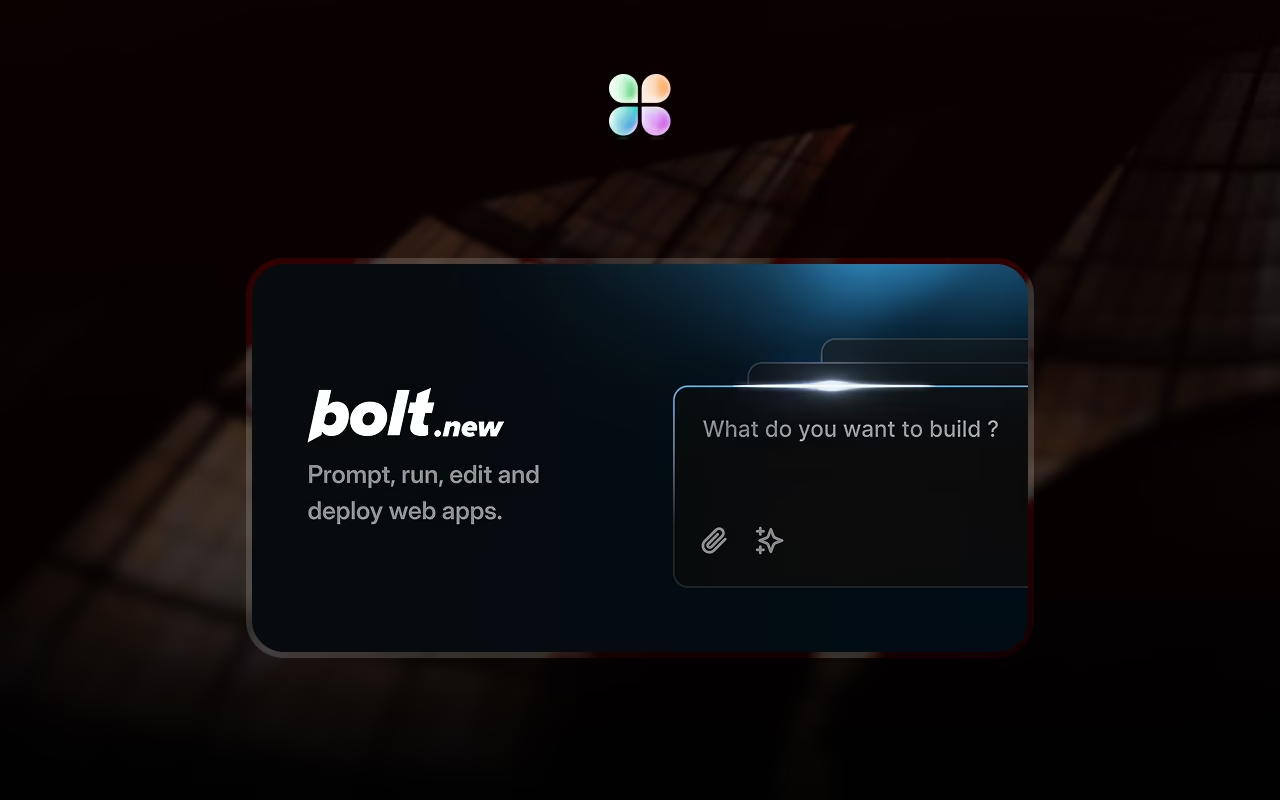
5. The Playground: Bolt.new - Full-Stack AI Development in the Browser
Bolt.new is a full-stack web development agent that runs entirely in the browser. It handles the environment setup, installs dependencies, and deploys to Netlify with one click. This makes it the perfect tool for rapid prototyping and testing ideas without any local setup.
Why it's in the stack: It is the ultimate "throwaway project" tool. It allows you to test an idea from scratch in under 5 minutes.
Bolt.new handles environment setup, dependencies, and deployment all in the browser.
Bonus: The Launchpad: Netlify - Zero-Config Deployment for Vibe Coders
You've built something beautiful. Now what? Traditional web deployment requires understanding servers, build processes, DNS, SSL certificates, and a dozen other DevOps concepts that can take weeks to master.
Netlify changes everything. Connect your GitHub repository, and Netlify automatically detects your framework (Next.js, React, Vue, etc.), builds your app, and deploys it to a global CDN with HTTPS enabled—all in under 60 seconds. This makes it the perfect deployment solution for the AI development workflow, where speed and simplicity matter most.
Why it's perfect for Vibe Coders: You don't need to know what a "build command" is. You don't need to configure nginx or set up CI/CD pipelines. Netlify's auto-detection handles 90% of projects out of the box. If your AI-generated code works locally, it will work on Netlify.
The Magic: Push to GitHub → Netlify builds → Your app is live. That's it. No terminal commands, no server configuration, no DevOps knowledge required. This is how Vibe Coders ship: focus on the product, not the infrastructure.
Netlify automatically builds and deploys your app to a global CDN with zero configuration.
The Complete AI Development Workflow: How to Vibe-Code a Pro Landing Page in 20 Minutes
Prompting: Open Cursor and use the extracted data in your system prompt: "Build a hero section using these tokens..."
Refine: See the output. If the spacing feels off, use Peek to check the padding on your inspiration site and tell the AI: "Adjust the container padding to match this 64px scale."
Ship: Push to GitHub and connect to Netlify (or deploy via Bolt.new). Your app is live in under a minute—no DevOps knowledge required.
Conclusion: Building the Perfect Vibe Coding Stack for 2026
Vibe coding isn't about being lazy; it's about being an Architect. By combining the reasoning power of Claude 4.5 Sonnet and Gemini 3.0 Pro with Cursor AI's codebase awareness and the visual precision of Peek Chrome extension, you move from "guessing" to "executing" at lightning speed.
The best tools for AI developers in 2026 aren't just about code generation—they're about creating a complete workflow that spans from design inspiration to production deployment. With v0.dev for scaffolding, Bolt.new for rapid prototyping, and Netlify for effortless deployment, you have everything you need to build production-ready applications faster than ever before.
Ready to transform your AI development workflow? Install Peek Chrome extension for free and start feeding your AI agents the high-fidelity design context they deserve. Extract colors, typography, and assets from any website, and watch your AI-generated code go from generic to production-ready in minutes.

 Install