Install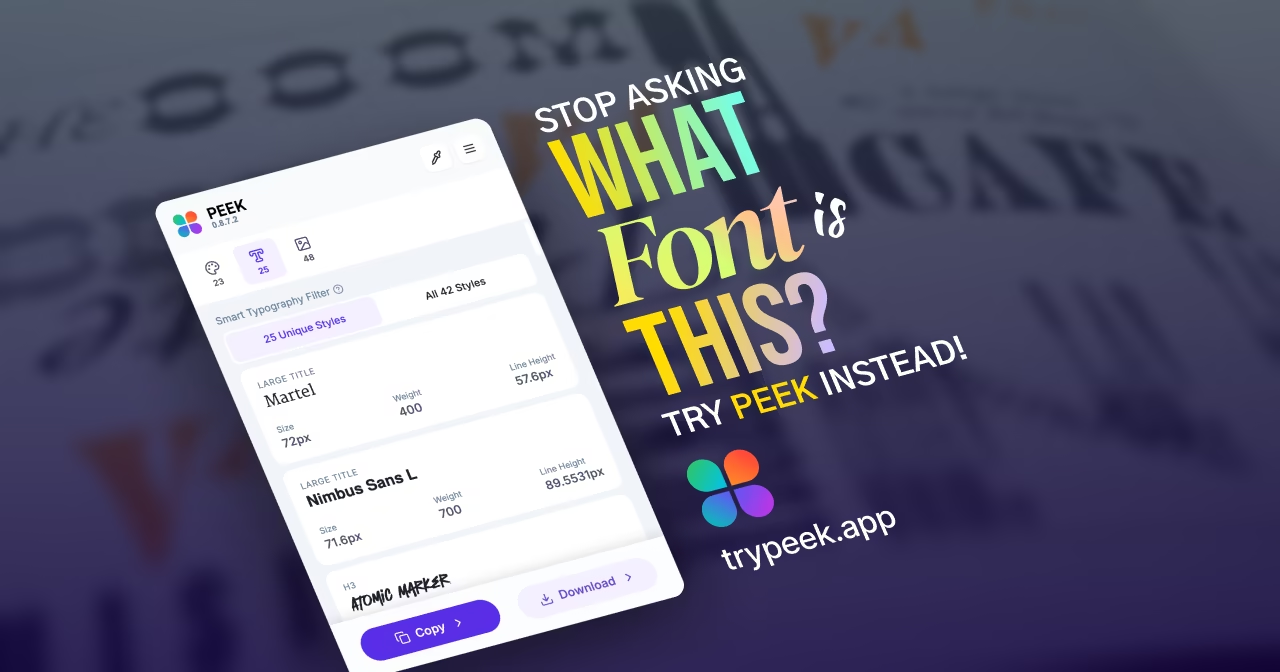
Loading...
Peek turns website inspection into design discovery — extracting colors, typography, gradients, and assets visually. Learn why designers deserve more than DevTools.

Most designers don't live inside Chrome DevTools — they live inside Figma, Sketch, or their visual intuition.
But when they want to understand how a site achieves its typography, color, and rhythm, their only option is to dive into CSS chaos.
It's not visual. It's not elegant.
And it's definitely not designed for creatives.
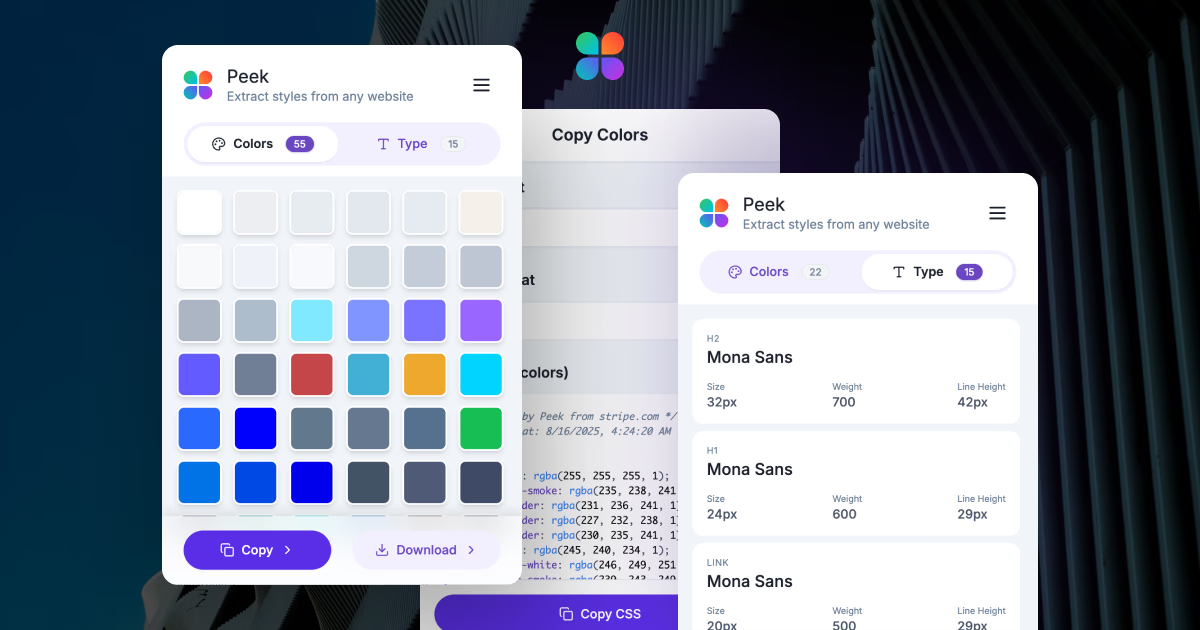
That's where Peek comes in — a Chrome Extension that transforms any website into a clear visual system: colors, gradients, typography, and assets — ready to learn from, copy, and reuse.
Designers trying to reverse-engineer a website hit the same walls:
Peek was built to see what matters — the structure of beauty, not just the syntax of code.
Peek doesn't just scrape styles; it understands them.
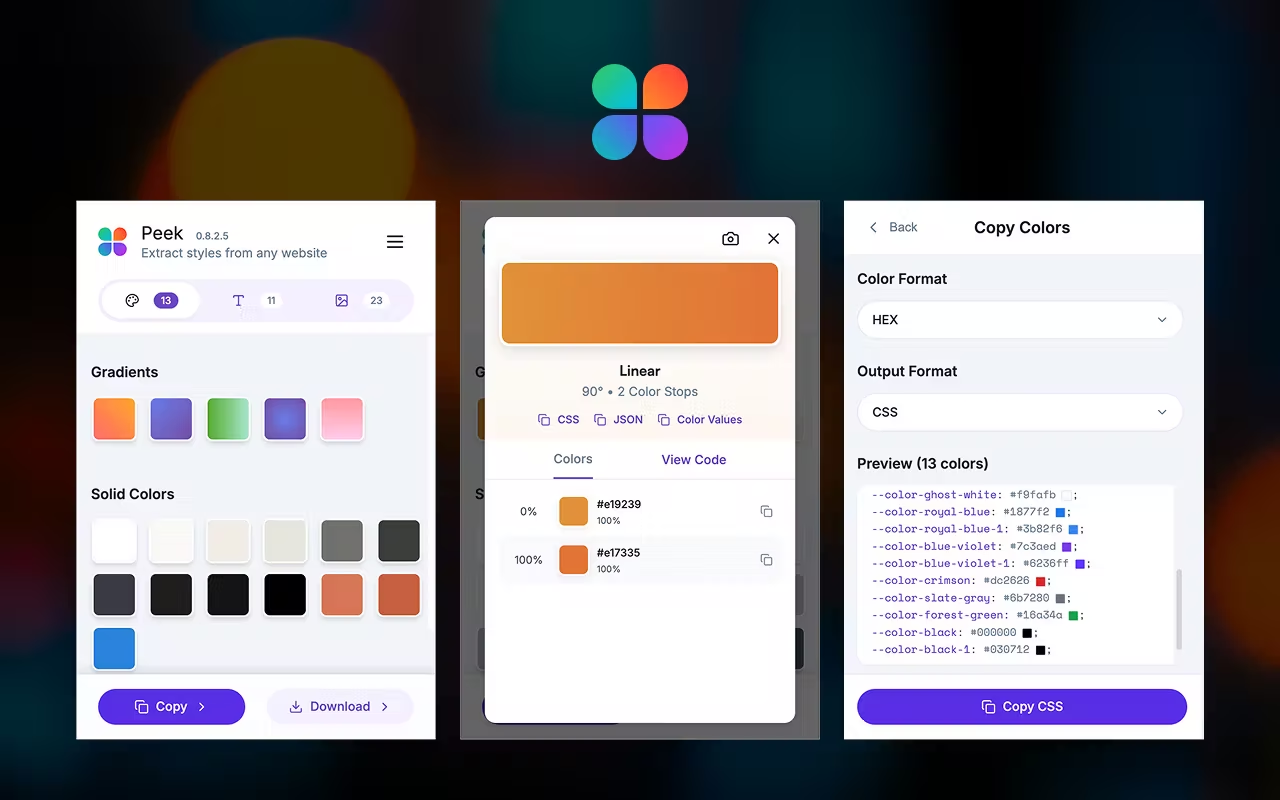
Behind the scenes, Peek:
The result: a ready-to-use snapshot of a live design system.
Peek goes beyond color and type.
It now includes **Gradients and Assets extraction**, giving you the complete design picture — not just the code.
And with language-aware font previews, Peek shows each font in the script it was used — including:
For multilingual brands, that means no more guessing how a typeface feels in context.
| Feature | DevTools | Peek |
|---|---|---|
| Purpose | Debug code | Understand design |
| Visual grouping | None | Organized by hierarchy |
| Color insight | Manual copy | Automatic clustering & gradients |
| Typography | Hidden in CSS | Script-aware, usage-counted previews |
| Export | N/A | CSS · SCSS · Tailwind · JSON |
| Asset insight | None | Extracted images & icons |
Peek doesn't replace DevTools — it complements it, made for designers, not debuggers.
With support for colors, gradients, assets, and multi-script typography, Peek is already the most comprehensive visual inspector for designers.
And more features are on the way: spacing tokens, shadow analysis, and component previews.
Peek helps you see design the way it was intended — clearly, visually, beautifully.
When designers understand the structure of beauty, they can rebuild it anywhere.