Install
Loading...
Related Questions
Learn more about extracting design elements from websites:
Learn more about extracting design elements from websites:
Peek's Color Picker Chrome Extension lets you pick colors from any website or screen, store them locally, and export them as CSS, SCSS, or Tailwind tokens instantly.
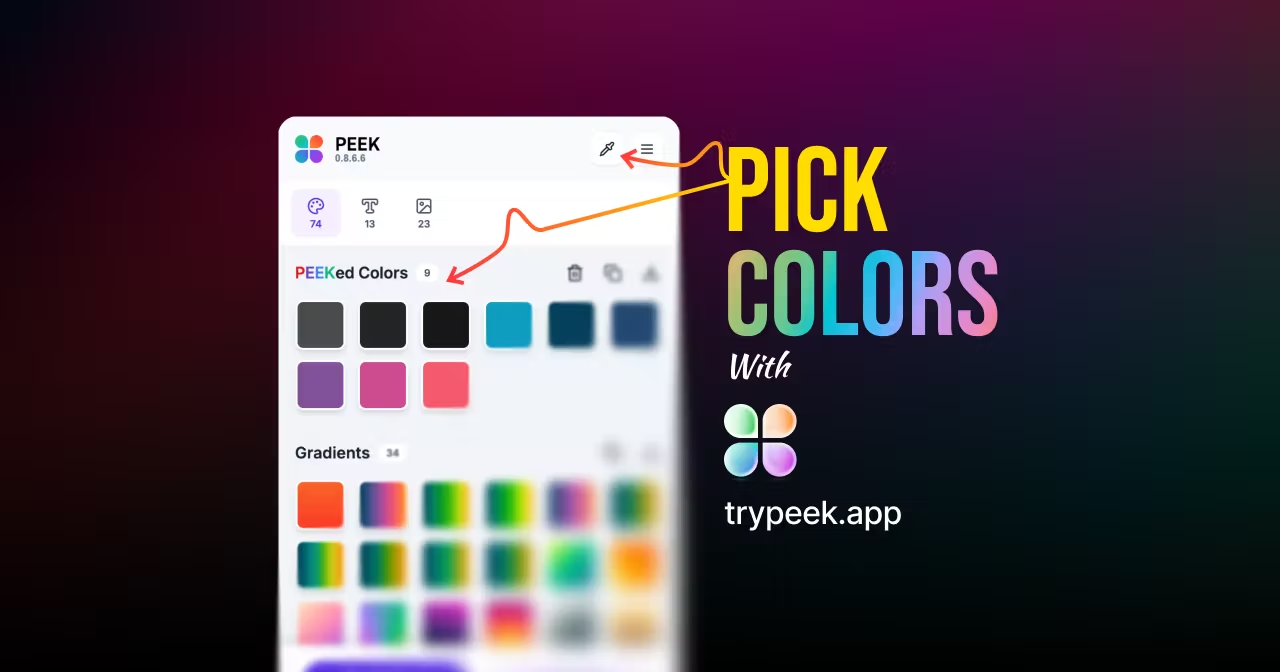
Color defines every brand, product, and interface — and now, you can capture it instantly. Peek’s new Color Picker Chrome Extension lets you pick colors from any website or screen and turn them into ready-to-use design tokens. Whether you’re building a Tailwind CSS palette or perfecting your Figma mockup, Peek keeps your colors consistent and accessible.
With the new Color Picker Tool, you can sample colors directly from webpages, images, or even outside your browser window. This means you can **grab HEX, RGB, or OKLCH color values from anywhere** — no screenshots, no switching apps. Click the color you want, and Peek automatically stores it in your local color library — fast, precise, and privacy-safe.
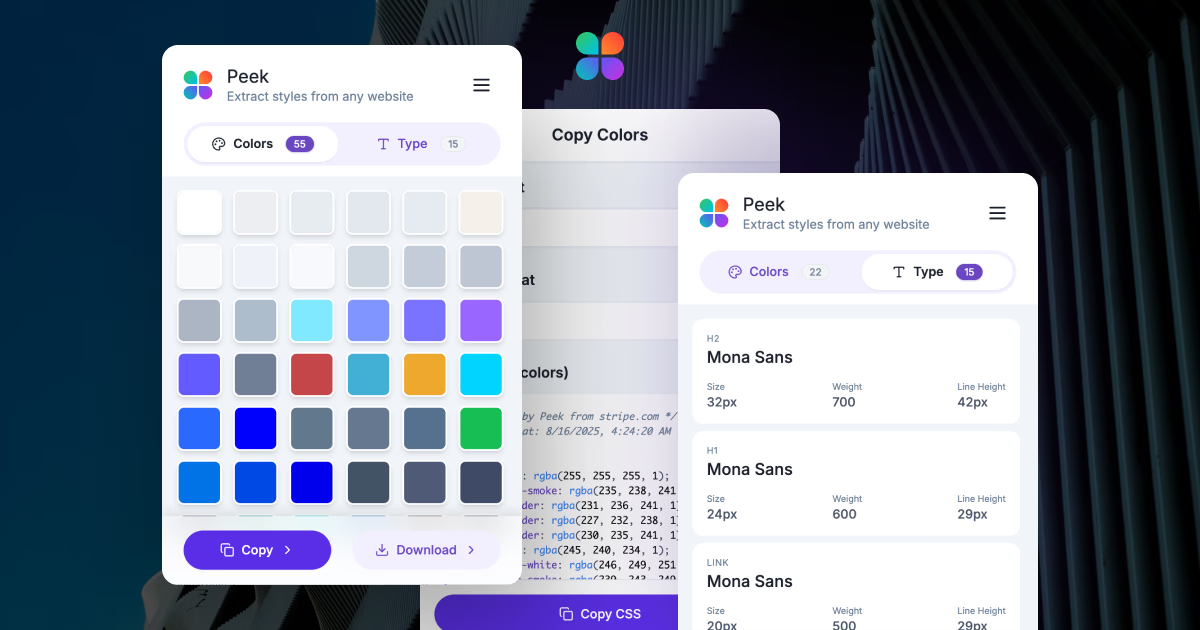
Peek now groups your picked colors, solid colors, and gradients together in one clean, export-ready palette. You can export color groups as CSS variables, SCSS maps, or Tailwind color tokens — ideal for developers and designers building design systems or UI libraries. Each color stays locally saved until you delete it, keeping your creative workspace clutter-free.
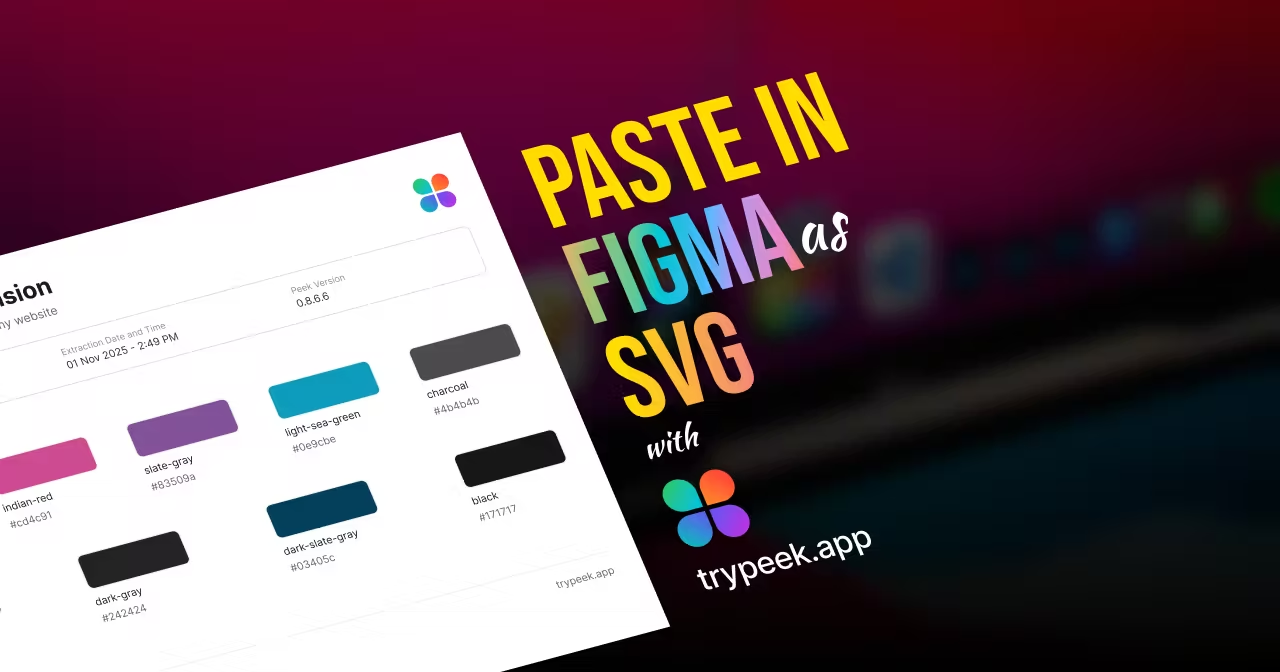
Found the perfect background color on a landing page or a logo shade you love? Peek instantly converts that inspiration into usable color code for Figma, CSS, or Tailwind. You can copy it, export it, or integrate it directly into your project. Peek’s color engine ensures that every conversion — HEX to RGB to OKLCH — remains perceptually accurate, so your colors stay true from design to production.
Peek’s Color Picker isn’t just another browser tool — it’s part of a complete visual extraction ecosystem. From typography and gradients to full color palettes, Peek helps you **analyze, extract, and export real-world design data** with precision. This update continues Peek’s mission: turning every website into a live design system you can learn from, remix, and reuse.
Update your Peek Chrome Extension to version 0.8.5.0 or later to unlock the new Color Picker. Pick colors from any screen, store them locally, and export them directly into your design workflow.