Install
Loading...
Related Questions
Learn more about extracting design elements from websites:
Learn more about extracting design elements from websites:
Peek helps designers and developers instantly extract color palettes and typography styles from any website — clean, ready-to-use, in one click. Free Chrome extension.
As designers, we often stumble upon a beautifully crafted website and wonder:
That’s exactly why Peek exists.
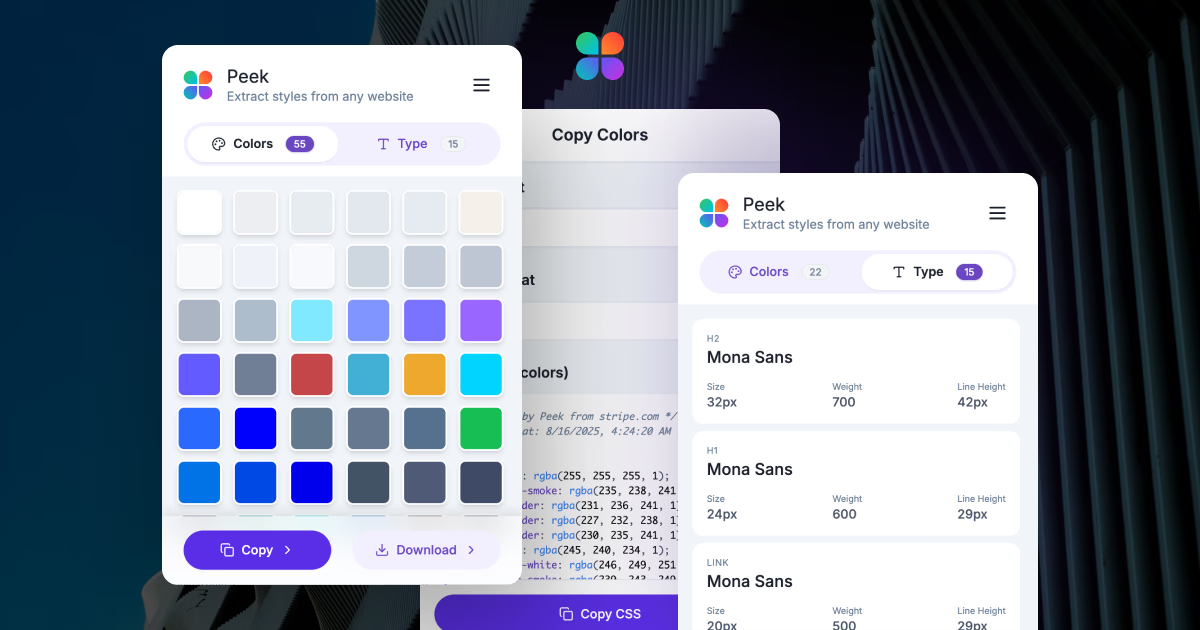
Peek is a free Chrome/Edge extension that helps designers, developers, and creators instantly extract color palettes and typography styles from any website. No more digging through messy CSS or wasting time with inspect tools. With Peek, you get clean, ready-to-use design information in just one click.
Peek detects all the colors used on a page and presents them in an organized palette.
Whether you’re building a design system, looking for inspiration, or just curious about a brand’s palette — Peek saves you hours.
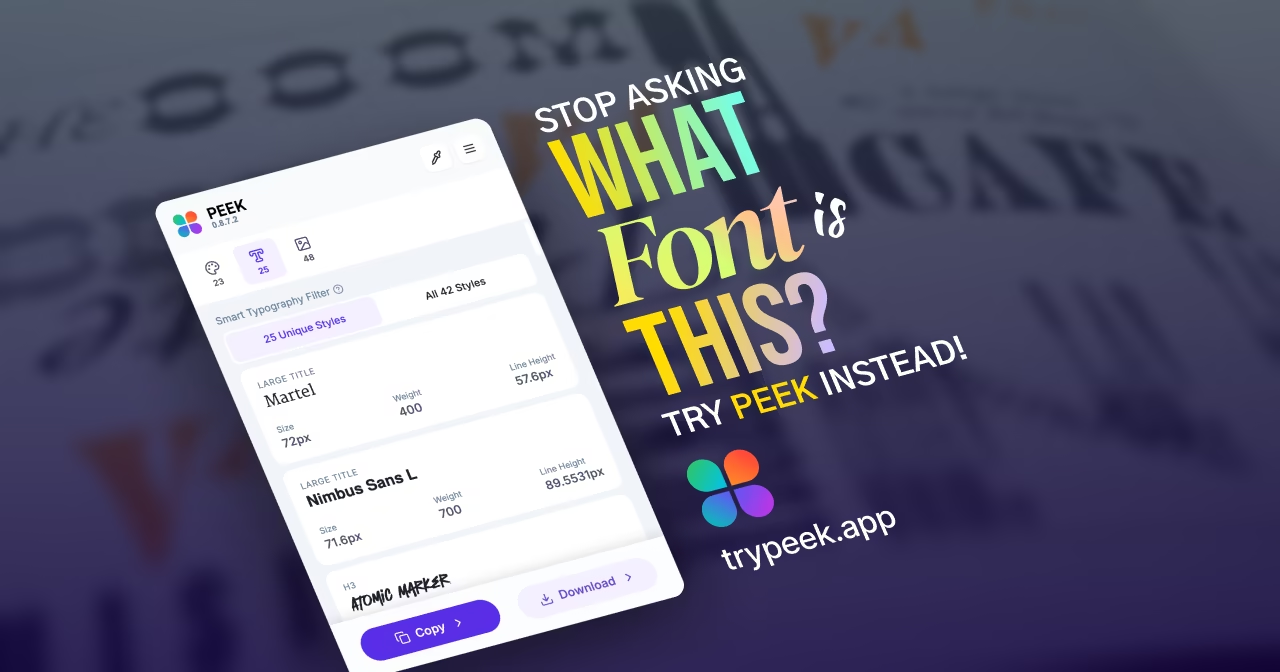
Ever wondered what font your favorite site uses? Peek gives you the full picture:
Perfect for learning from the best or ensuring typographic consistency in your own projects.
Peek works instantly in your browser. All processing happens locally — no data leaves your computer. You get results in seconds, with zero privacy concerns.
Peek isn’t just about seeing colors and fonts — it helps you bring them into your workflow. You can copy tokens straight to your clipboard or export them for use in your project.
Peek is built to be fast, lightweight (< 200 KB), simple, and designer-friendly. It’s completely free today, with more advanced features (like asset extraction and brand kits) coming soon.
Peek is perfect for anyone looking to get a head start and save time when deciding on color and typography styles.
Right now, Peek focuses on colors and text styles, but we’re just getting started. You can now extract assets, icons, and full brand kits to supercharge your design workflow.
Peek is available for Chrome and all Chromium-based browsers, including Microsoft Edge.